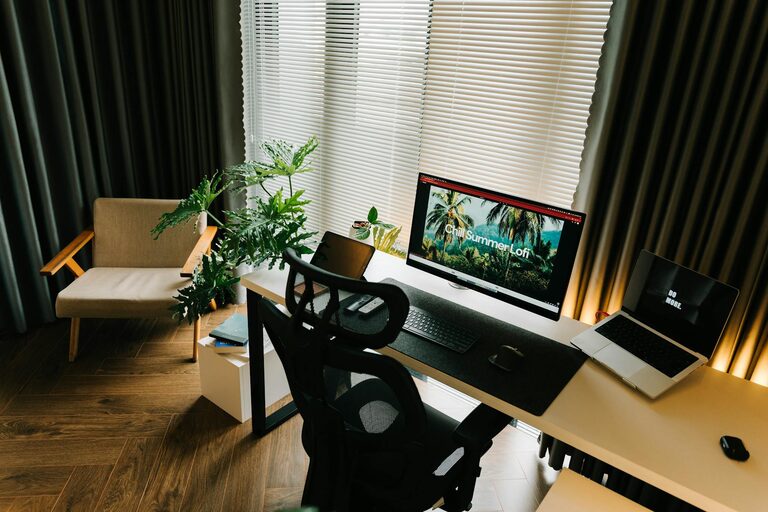
Creating a cozy and productive home office space is essential for anyone working remotely or managing tasks from home. A well-designed workspace not only encourages focus but also promotes comfort, helping you maintain a healthy work-life balance. Whether you have a dedicated room or a corner in your living space, these tips will help you transform it into a place where creativity and efficiency thrive.
Choose the Right Location
Finding the best spot for your home office is the first step in creating a productive environment.
– Natural light: Position your desk near a window if possible. Natural light boosts mood and energy levels.
– Quiet area: Choose a space away from household noise and distractions.
– Privacy: Consider using room dividers or curtains if your office shares space with other living areas.
Invest in Comfortable Furniture
Your furniture greatly influences both comfort and productivity throughout the day.
– Ergonomic chair: A chair with good lumbar support helps prevent back pain.
– Adjustable desk: Standing desks or adjustable tables let you change positions, reducing fatigue.
– Adequate desk space: Ensure your desk can accommodate your computer, accessories, and notes without clutter.
Organize Your Workspace Efficiently
A tidy and organized workspace reduces stress and saves time.
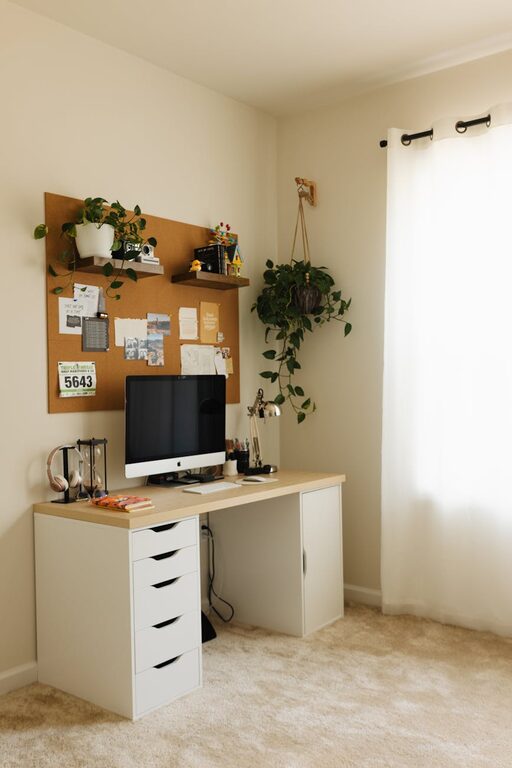
– Use storage solutions: Drawers, shelves, and organizers keep everything in its place.
– Cable management: Use clips or sleeves to prevent cords from tangling.
– Minimal clutter: Keep only essential items on your desk to maintain focus.
Add Personal Touches to Boost Comfort
Personalizing your workspace can make it feel inviting and motivate you to work.
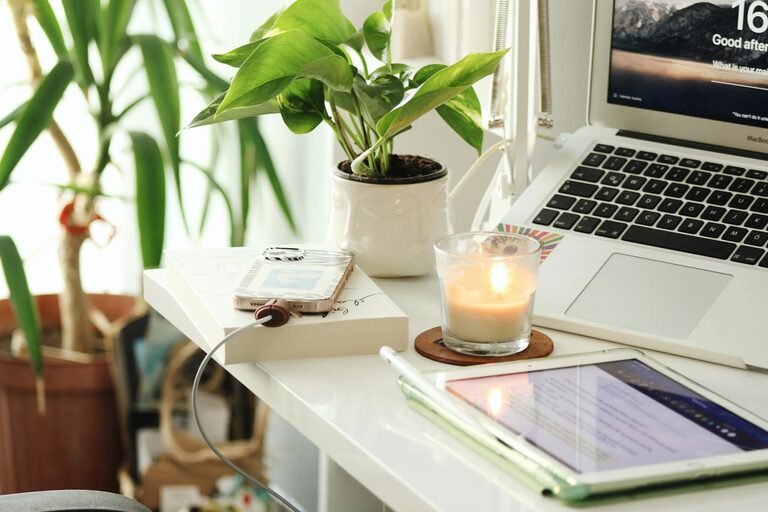
– Decorate with plants: Indoor plants improve air quality and add a touch of nature.
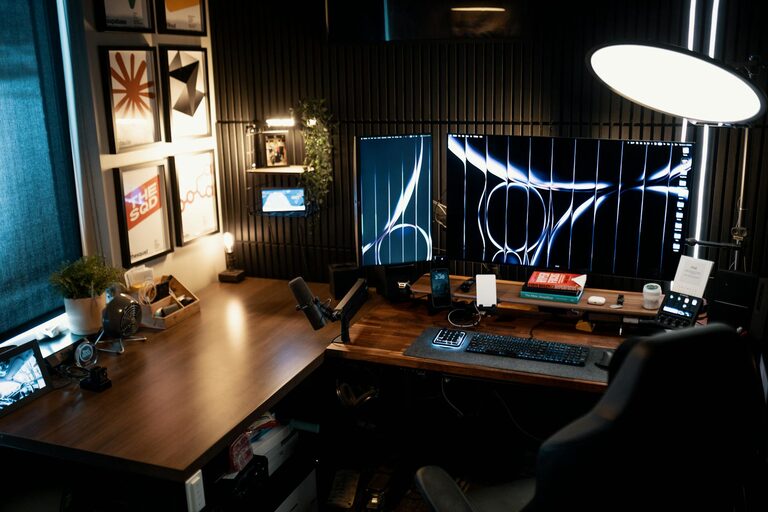
– Use soft lighting: Lamps and warm light bulbs create a cozy atmosphere.
– Include inspirational items: Photos, artwork, or motivational quotes can encourage creativity.
Optimize Technology and Tools
Efficient technology setup minimizes frustrations and keeps you connected.
– Reliable internet connection: A fast and stable Wi-Fi or wired connection is critical.
– Quality headphones: Noise-cancelling headphones help block distractions during calls.
– Proper monitor setup: Use monitor stands to position screens at eye level and reduce neck strain.
Establish a Daily Routine
Creating habits around your workspace enhances productivity.
– Set working hours: Define clear start and end times to separate work and personal life.
– Take breaks: Regular breaks prevent burnout and refresh your mind.
– Plan your day: Use planners or digital apps to organize tasks and prioritize.
Pay Attention to Temperature and Ventilation
Comfortable air quality promotes focus and well-being.
– Maintain moderate temperature: Use fans or heaters as needed to stay comfortable.
– Ventilate regularly: Fresh air circulation reduces stuffiness and keeps you alert.
Minimize Distractions
Creating boundaries helps you stay focused during work hours.
– Inform family and housemates: Let others know your work schedule.
– Use “Do Not Disturb” signs: Visual cues remind people not to interrupt.
– Limit personal devices: Turn off notifications on your phone or computer unrelated to work.
Enhance Your Workspace Acoustics
Good sound quality supports concentration, especially if you attend calls or create content.
– Soft furnishings: Rugs, curtains, and cushions absorb sound.
– White noise machines: These can mask distracting background noises.
– Soundproofing materials: Consider foam panels if external noise is a constant issue.
—
Designing a cozy and productive home office doesn’t require a large budget or extensive remodeling. By thoughtfully selecting your location, furniture, and organizational tools, while adding personal touches and establishing routines, you can create a space that supports your work goals and comfort. Start small and adjust as you learn what works best for your style and needs—your ideal home office awaits!